← ALL SERVICES · STAGE 06 / 07
As-built documentation
As-built documentation is proof that every opening has been installed to the design, using certified products, and checked by technical supervision. Without it the building will not receive its certificate of compliance, and a fire door will not be accepted by the authorities, even if it was installed flawlessly. We keep the as-built documentation for the door package in parallel with installation and hand it over together with the works — on paper or electronically, signed with a qualified electronic signature.
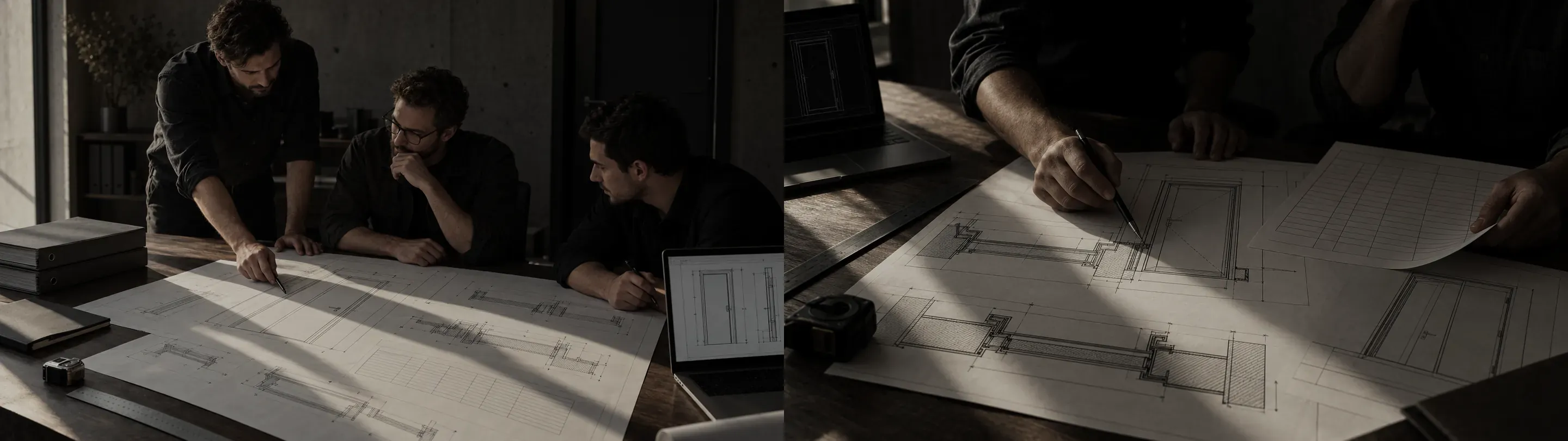
Why as-built documentation matters
Acceptance and commissioning
Technical supervision accepts the works on the basis of the as-built documentation, and the state construction authority issues the certificate of compliance. No signed certificates — no acceptance and no closing of KS-2 completion certificates.
Fire safety
A door's fire resistance is confirmed by two things: the certificate for the design, and documents showing it was installed as tested. As-built documentation covers the second part.
Operation and warranty
The facility management team needs data sheets, drawings and certificates for Russian Emergencies Ministry (EMERCOM) inspections, scheduled maintenance and warranty claims throughout the building's service life.
Working and as-built documentation
Working documentation — how it should be done
The documents used to manufacture and install the doors. Issued for construction with the client's stamp.
- Architectural section: floor plans with opening references
- Door schedule and specification
- Approved product sketches and shop drawing (KMD) set
- Fixing and junction details, installation diagrams
As-built documentation — how it was actually done
Records the result: what was installed, where, using which products, with what deviations, and who checked it.
- Working drawings stamped as conforming
- As-built drawings with actual dimensions
- Inspection and acceptance certificates
- Certificates, data sheets, work logs
Regulatory framework
Document set for the door package
The exact list is approved by the client (clause 2 of the Procedure, Order No. 344/pr). For doors, gates and fire-rated glazed systems, a typical set looks like this.
Register and title page
An index of every document in the set with numbers, dates and page counts — technical supervision uses it to check completeness.
Orders appointing responsible persons
DPS persons responsible for the works and for construction control — confirmation of the signatories' authority.
Working drawings stamped as conforming
Door schedule, sketches and shop drawings (KMD) stamped “Executed in accordance with working documentation” or noting agreed changes.
As-built opening drawings
Actual dimensions, references to gridlines and levels, deviations from the design — floor by floor, with every product marked.
Concealed works inspection certificates
Frame fixing with anchors, filling of the installation joint with fire-resistant materials, embedded items for access control and electric locks — before they are covered by finishes.
Critical structures inspection certificates
For steel framing of fire-rated partitions, gates and oversized assemblies — where required by the design.
Incoming inspection documents
Certificates of conformity to TR EAEU 043/2017, product data sheets, declarations, test reports and incoming inspection certificates for each batch.
Installation materials documents
Certificates and data sheets for fire-rated foam, sealants, intumescent strips and anchor fixings.
Functional test certificates
Opening and self-closing, closer adjustment, operation of panic hardware, door selectors, electromechanical locks and hold-open devices.
Work logs
A dedicated door set installation log and entries in the general works log in the form set by Order No. 1026/pr.
Acceptance certificates by opening
Floor-by-floor or section-by-section acceptance of installed products, listing references and installation locations.
Photo records
Concealed works before covering and the identification labels of fire-rated products — linked to the opening number.
Data sheets and instructions
Operation and maintenance manuals and warranty terms — for the facility management team.
What the documents look like
When and how the set is compiled
As-built documentation is kept not at the end, but in parallel with installation. Every document is issued at the point when the work can still be seen and checked.
Before installation starts
We agree with the client the list of as-built documents, certificate forms, signatories, the procedure for calling technical supervision and the format — paper or an electronic system. We provide the orders appointing responsible persons.
Delivery to site
Incoming inspection of products and materials: checking marking against certificates and data sheets, incoming inspection certificates, log entries.
Installation and concealed works
Before the joint is covered by finishes, we call technical supervision, present the fixing and joint filling, and issue the certificate and photo record. In parallel we keep the log and as-built drawings.
Commissioning and testing
We adjust the hardware and test every opening: self-closing, panic hardware, door selectors, electromechanical devices. Results are recorded in certificates.
Handover by work zone
The set for each floor or section is passed to technical supervision for review together with the works. We address comments and re-sign the documents.
Final handover
The consolidated set with its register is handed over to the client under an as-built documentation transfer certificate. An electronic copy is kept in the DPS archive for maintenance and warranty claims.
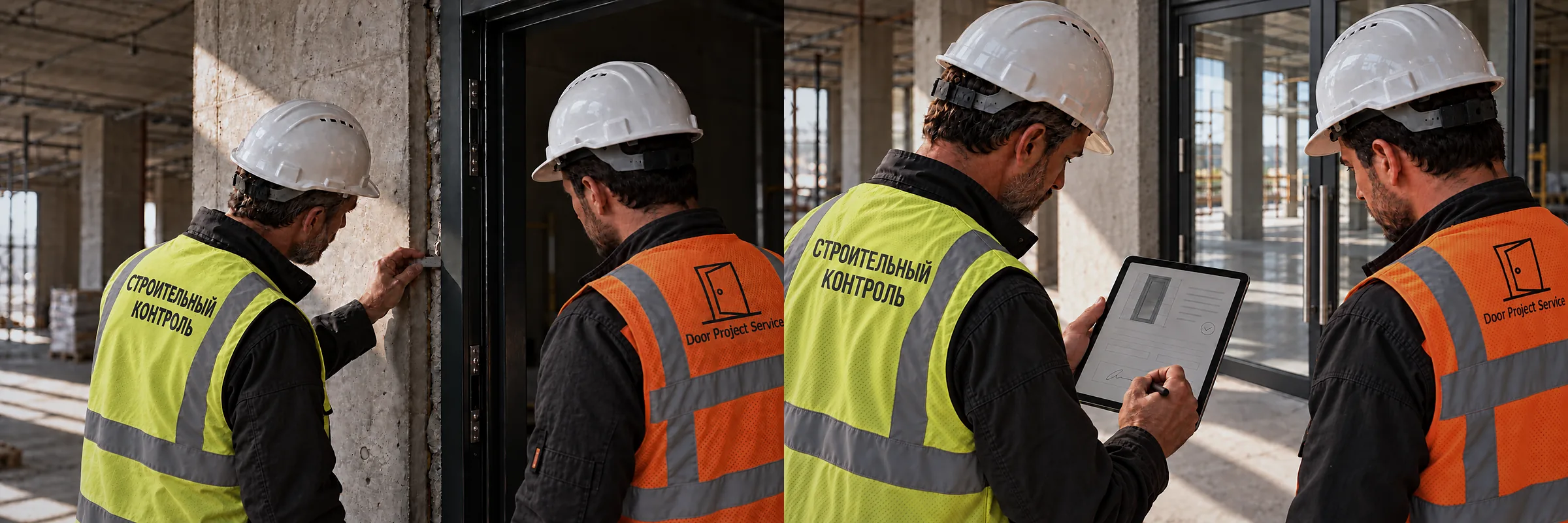
Timing and handover procedure
Specific timescales are set in the contract, taking into account the project schedule and the client's technical supervision procedures.
What we need from the client
- An approved list of as-built documents for the package — or agreement to work to our standard list
- Working documentation stamped “Issued for construction”: floor plans, door schedule, details
- The client's and technical supervision's certificate and log forms, if they differ from the recommended forms of Order No. 344/pr
- Project and participant details: project name and address, building permit details, details of the developer and general contractor
- Orders appointing representatives of the developer, general contractor and designer's supervision — for completing the certificates
- Technical supervision contacts and the procedure for calling an inspection
- Breakdown into work zones and the number of paper copies required
- Access to the electronic as-built documentation system, if the project uses one, and details of the signatories' qualified electronic signature certificates
Electronic as-built documentation
Under Order No. 344/pr, the client may decide to keep as-built documentation entirely in electronic form, without paper duplicates. Documents are produced in XML to schemas published by the Ministry of Construction, and where no schema exists, in PDF or DOCX. Every document is signed with an enhanced electronic signature by all participants. From 1 March 2026, IFC for information models and LandXML for terrain models were added to the permitted formats (Order No. 369/pr). Requirements for compiling and storing electronic as-built documentation are set out in GOST R 70108-2022.
Paper set
Originals for each signatory, in folders with a register and index. Suitable if technical supervision works on paper only.
Electronic set
XML and PDF with qualified electronic signatures in an electronic as-built documentation system. Remote signing, statuses visible to all participants, no lost documents.
Mixed format
Paper originals plus a complete electronic archive: scans, as-built drawings in DWG and PDF, photo records.
Electronic as-built documentation systems
If the project is run in an electronic as-built documentation system, we join it as the door package contractor: we produce certificates using the system's templates, sign them with a qualified electronic signature and submit them to technical supervision for approval. The most widely used Russian systems:
TsUS
“Digital Construction Management”: a cloud platform for all construction participants, qualified electronic signing, integration with the Ministry of Construction's ISUP system for public clients.
Exon.ITD
Compiling, signing and transferring as-built documentation, as-built drawings, materials register, synchronisation with the works schedule.
Adept: As-built documentation
As-built documentation, logs, incoming and construction control, a mobile app for recording snags on site.
ALTIUS
More than 200 certificate and log forms, links between the cost estimate and logs and certificates, import of estimates from Excel and estimating software.
Hardroller
Automated preparation and checking of as-built documentation: more than 100 forms and built-in checks of document completion.
Project Point
A common data environment with quality control and works acceptance modules: drawing approval, inspections, as-built documentation.
If the client has no system of its own, we keep the electronic as-built documentation in DPS's own environment and hand over the complete signed archive to the client.
Result
A complete set of as-built documentation for the door package, accepted by the client's technical supervision: on paper, electronically with qualified electronic signatures, or in both formats. The set is ready for review by the state construction authority, for building acceptance and for use by the facility management team.
Let's discuss your project
Send us your list of as-built documents, technical supervision forms or door schedule — we will reply with the document set, timescales and a quotation.
Phone: +7 958 644 06 47